
Key Takeaway
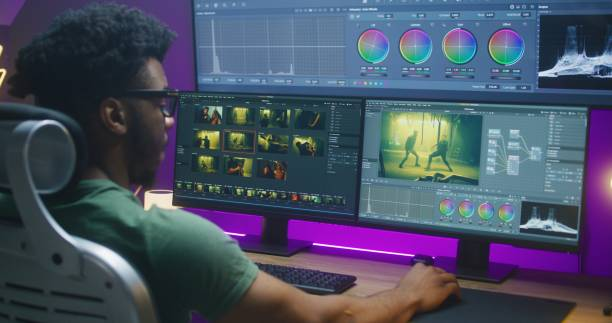
Artificial intelligence is transforming how creators, teachers, and business owners produce content. AI video generators and AI content tools now make professional-quality video creation accessible to everyone—no expensive equipment, no technical skills required. This beginner's guide will walk you through what these tools are, how they work, and where you can use them to transform your creative output in minutes instead of weeks.
What Are AI Video Generators? Understanding the Technology

Defining AI Video Generators
AI video generators are intelligent software tools that automatically create videos from simple text prompts, images, or scripts. Instead of spending hours filming, editing, and creating visual effects, these tools use artificial intelligence and machine learning to do the heavy lifting for you. Think of them as your personal video production team that works 24/7 without needing breaks or coffee.
An AI video generator analyzes your input—whether it's a written description, an image, or a detailed script—and then generates a complete video complete with visuals, animations, voiceovers, subtitles, and even background music. The entire process typically takes minutes, making it revolutionary for busy professionals who can't afford traditional video production costs.
AI video generator technology creating videos from text prompts and digital content
How Do AI Video Generators Actually Work?
Understanding the mechanics behind AI video generation helps you appreciate why these tools are so powerful. Here's the simplified breakdown:
Step 1: Processing Your Input
When you provide a text prompt or upload an image, the AI analyzes your description to understand your vision. It breaks down elements like camera angles, motion, colors, objects, and mood. For example, if you write "a sunset over a beach with golden waves," the AI understands you want: warm colors, ocean movement, slow pacing, and cinematic quality.
Step 2: Latent Diffusion Process
The AI uses a process called latent diffusion, which is much more efficient than earlier methods. Rather than working with millions of individual pixels (which would be extremely slow), the AI compresses the video into mathematical code that captures only the essential visual information. This is similar to how your internet compresses videos when streaming.
Step 3: Neural Networks at Work
The system uses convolutional neural networks (CNNs) and recurrent neural networks (RNNs) trained on millions of videos. These networks have learned patterns about how objects move, how scenes transition, and how videos should flow naturally. They understand that a person's hand should stay connected to their arm, that gravity should pull objects downward, and that shadows should move consistently with light sources.
Step 4: Frame-by-Frame Generation
The AI generates each video frame sequentially, ensuring consistency across the entire clip. It uses transformers (the same technology behind ChatGPT) to maintain coherence across multiple frames. This prevents the common problem where objects suddenly appear or disappear in AI-generated content.
Step 5: Audio and Visual Synchronization
Modern AI video generators like Google's Veo 3 now generate audio and video simultaneously to ensure perfect lip-sync and sound alignment. This was a major breakthrough that made AI videos feel much more professional and natural.
The Role of Machine Learning
Machine learning is the brain behind AI video generators. During training, these systems analyze vast datasets of videos to understand visual patterns. They learn how water flows, how people walk, how fabric moves in wind, and thousands of other natural phenomena. This training allows them to create new videos that look realistic and follow real-world physics.
Where Can Creators, Teachers, and Business Owners Use AI Video Tools?
For Content Creators: YouTube, TikTok, Instagram

Content creators are among the biggest beneficiaries of AI video technology. Here's exactly how you can use these tools:
Social Media Content Creation: Instead of spending hours filming shorts for TikTok or Instagram Reels, you can generate 5-10 videos daily using AI. Write a simple prompt like "a motivational quote appearing on screen with background music" or "trending dance moves with upbeat music," and the tool creates it instantly.
Video Repurposing: Have a blog post? Tools like Pictory and Lumen5 automatically transform articles into engaging videos. Your 1000-word blog post becomes a 2-3 minute video with visuals, captions, and voiceovers—saving you 4-6 hours of manual editing.
Faceless YouTube Channels: Many successful YouTube creators use AI avatars and AI video generation to build entire channels without appearing on camera. They write scripts, generate videos with AI avatars speaking the content, and publish directly to YouTube. One creator reports generating 20+ videos weekly using this systematic workflow.
Viral Video Creation: The fast-moving nature of AI video generation means you can respond to trends in real-time. When Popeyes wanted to respond to McDonald's, they created an entire AI-generated diss track video in just three days using Veo3 and Suno.
For Teachers and Educators: Classroom and Online Learning
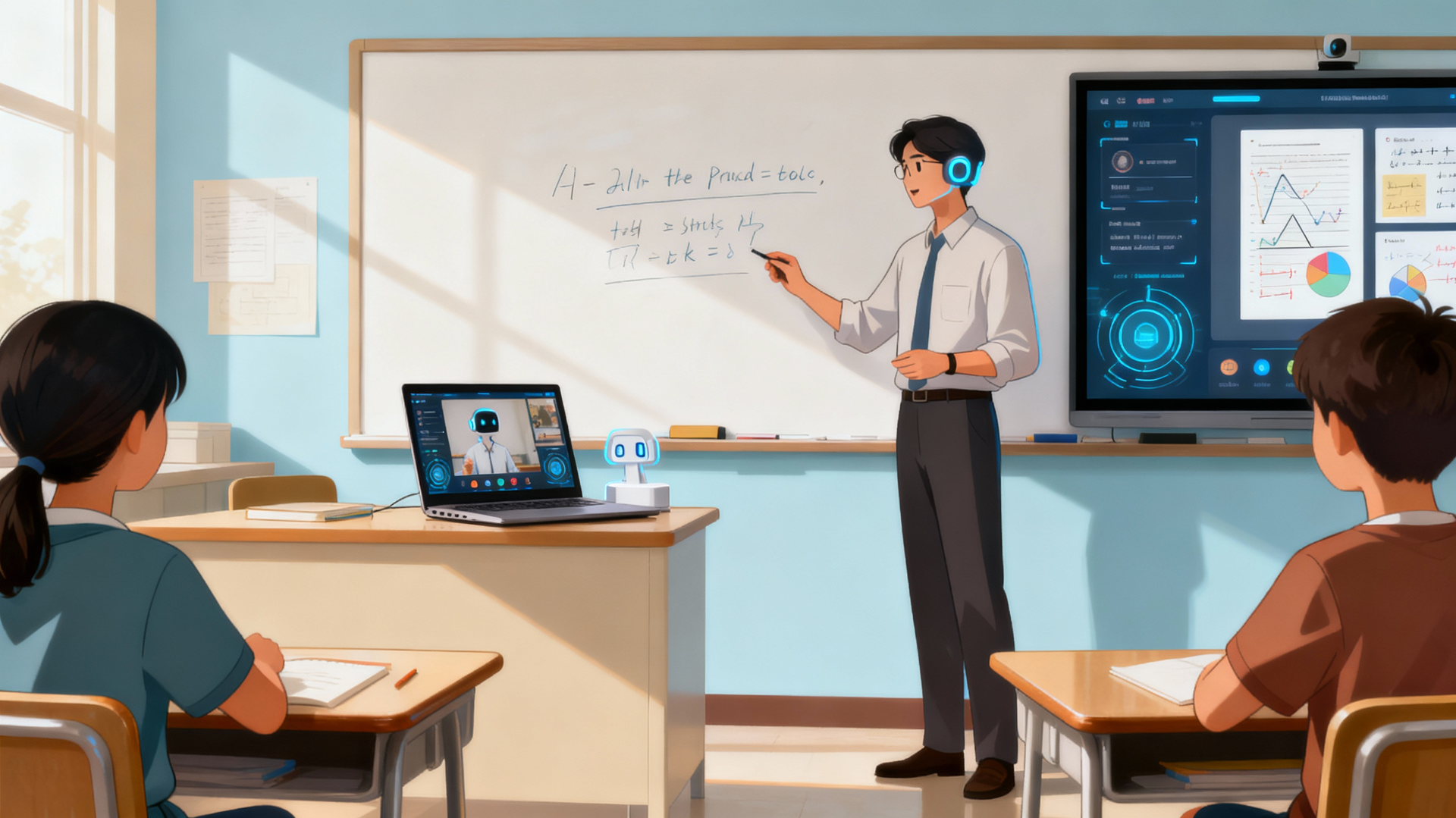
Teachers face the challenge of explaining complex concepts in engaging ways. AI video tools solve this problem:
Educational Video Creation: Teachers can transform lesson plans into animated, engaging videos in minutes. Instead of lecturing to a static classroom, you can create visual explanations of concepts like photosynthesis, historical events, or mathematical formulas.
Personalized Learning Materials: Create multiple versions of the same lesson to match different learning styles. One version with visual animations, another with diagrams, a third with step-by-step demonstrations—all from the same script.
Scalable Online Courses: If you run an online course on platforms like Udemy or Coursera, AI video tools let you produce course content 5-10 times faster than traditional methods. You maintain quality and professionalism while reducing production costs by 80-90%.
Training Materials: Corporate trainers use AI video tools to create employee onboarding, compliance training, and skill-development videos. A new employee can watch a professional training video starring an AI avatar in their native language.
Interactive Assessments: Generate quiz videos, practice problems, and assessment materials automatically. If students need extra explanations, teachers can quickly generate supplementary videos on specific topics without waiting weeks for a video production company.
For Business Owners: Marketing and Sales

Small business owners can now compete with large corporations in video marketing:
Product Demonstrations: Create professional product demo videos in minutes instead of hiring a videographer. Show how your product works, what problems it solves, and why customers should buy it.
Marketing Campaigns: Generate personalized marketing videos at scale. Virgin Voyages created personalized video invitations where singer Jennifer Lopez appeared to speak directly to individual viewers—all using AI video technology.
Email Marketing Videos: Studies show emails with videos have 80% higher click-through rates. Generate personalized video emails for your email marketing campaigns.
Social Media Advertising: Create multiple versions of the same ad optimized for different platforms and audience segments. Test which version performs best, then scale the winner.
Website and Landing Page Videos: Background videos on websites increase engagement by up to 80%. AI video generators let you create custom videos for any landing page in minutes.
For Educators and Course Creators: EdTech and Online Platforms

Educational platforms are revolutionizing how knowledge is delivered:
Curriculum Development: Teachers can generate video explanations for every concept in their curriculum, creating a visual reference library for students.
Multilingual Content: Create content in 100+ languages with AI dubbing and localization. A math lesson created in English automatically becomes available in Spanish, French, Mandarin, and 50+ other languages.
Interactive Educational Games: Combine AI-generated content with interactive elements to create gamified learning experiences that boost student engagement.
Popular AI Video Generator Tools: Beginner-Friendly Recommendations
Best Overall AI Video Generator Tools
Invideo AI - Best for Beginners
What it does: Transforms text prompts into complete videos with AI avatars, stock footage, voiceovers, and music.
Best for: Creators starting out, marketers, content creators
Pricing: Free version (watermarked, limited features) | $28/month for ad-free HD videos
Why it's great for beginners: The interface is incredibly simple—write a prompt or paste a link to an article, and Invideo handles everything else. It includes a built-in editing timeline, making adjustments easy even if you've never edited video before.
HeyGen - Best for AI Avatars
What it does: Creates talking-head videos with AI avatars that lip-sync to your script. Perfect for tutorials, training, and marketing.
Best for: Teachers, corporate trainers, educators, business owners
Pricing: Free (3 videos/month, 3-minute limit) | $29/month Creator plan
Why it's great for beginners: Choose from 240+ diverse AI avatars, write your script, and the avatar automatically performs it with perfect lip-sync. No acting ability needed—just your words.
Pictory - Best for Article-to-Video
What it does: Converts blog posts, articles, and scripts directly into engaging videos.
Best for: Bloggers, content marketers, educators
Pricing: Free tier available | Paid plans start at $19/month
Why it's great for beginners: If you already write blog posts, Pictory instantly repurposes them into videos. It's the fastest way to generate additional content from existing material.
Runway ML - Best for Advanced Creative Control
What it does: Offers AI image-to-video, text-to-video, and advanced generative editing tools.
Best for: Filmmakers, animators, creative professionals (also beginner-friendly)
Pricing: Free (125 credits/month) | Starts at $12/month
Why it's great: The free plan gives you significant monthly credits to experiment without spending anything. As you grow, you can upgrade to more advanced features.
Synthesia - Best for Corporate Training
What it does: Creates professional video training and marketing content with AI avatars and multilingual support.
Best for: Corporate trainers, educators, business owners
Pricing: Free (basic features) | Starter $18/month | Creator $64/month
Why it's great for beginners: Pre-built templates make it easy to create professional-looking videos without design skills.
Best AI Content Tools for Writing, Ideation, and Planning

While video is crucial, you need great content first. Here are essential AI tools for creating that content:
ChatGPT - The All-Purpose AI Writer
What it does: Writes blog posts, scripts, social media content, email campaigns, and more.
Best for: Everyone
Pricing: Free version available | $20/month for ChatGPT Plus
Why it's great: Over 100 million users trust ChatGPT for content creation. You can ask it to:
Write a YouTube video script
Generate 10 blog post ideas
Create social media post copies
Draft email campaigns
Explain complex topics in simple language
Real example: A teacher can ask ChatGPT to "write a 5-minute video script explaining photosynthesis for 8th-grade students" and have a complete script in 30 seconds.
Google Gemini - Your Personal Research Assistant
What it does: Writes content, generates images, creates video scripts, and researches topics.
Best for: Content creators, researchers, students
Pricing: Free version available | Gemini Advanced (comes with Google AI Pro) at $19.99/month
Why it's great: Since it's made by Google, it has deep integration with Google services like Gmail, Docs, and Drive. You can:
Generate 10 video script ideas in seconds
Research trending topics for your niche
Create social media content calendar ideas
Design marketing strategies
Generate images to accompany videos
Real example: An AI video creator can ask Gemini to "suggest 5 trending video topics about AI for the US market" and receive data-driven recommendations instantly.
Rytr - Fast, Tone-Customizable Writing
What it does: Generates blog posts, social media content, ad copy, and marketing material.
Best for: Marketers, social media managers, creators
Pricing: Free tier available | Paid plans from $9.99/month
Why it's great: You can adjust the tone of your content (funny, formal, casual, enthusiastic) before generation. It also provides 40+ use cases including product descriptions and video ideas.
Copy.ai - Template-Based Content Generation
What it does: Uses 90+ templates to generate social media posts, email sequences, product descriptions, and marketing copy.
Best for: Social media managers, email marketers, small business owners
Pricing: Free tier available | Paid plans from $9/month
Why it's great for beginners: The templates guide the AI, so you don't need to write complex prompts. Just fill in some basic information, and Copy.ai generates multiple variations.
Canva AI - Visual Content Creation

What it does: Generates images, designs, and visual content with AI-powered suggestions.
Best for: Everyone needing visual content
Pricing: Canva Free | Canva Pro at $14.99/month
Why it's great: You can generate custom images for your videos using Canva's AI. It also offers templates for thumbnails, social media posts, and more.
Step-by-Step: How to Create Your First AI Video
Let me walk you through a real example to show how easy this is:
Scenario: You're a small business owner selling fitness products, and you want to create a TikTok video about "5 Tips for Home Workouts."
Step 1: Plan Your Content (5 minutes)
Tool: Use Gemini or ChatGPT
Action: Prompt: "Generate 5 short, engaging tips for home workouts. Make each tip one sentence. Write in a motivational tone."
Result: You get 5 tips ready to use
Step 2: Create Your Video Script (5 minutes)
Tool: Use ChatGPT
Action: Prompt: "Turn these 5 fitness tips into a 30-second TikTok script with an engaging hook and a call-to-action at the end."
Result: You have a complete, optimized TikTok script
Step 3: Generate Your Video (3 minutes)
Tool: Use Invideo AI or HeyGen
Action:
Paste your script into the platform
Select an AI avatar or choose "AI Video Generation" mode
Add your brand colors and music preference
Click "Generate"
Result: A complete, professional TikTok video is ready
Step 4: Review and Post (2 minutes)
Check the video for any errors or adjustments needed
Download the video
Post to TikTok, Instagram Reels, or YouTube Shorts
Total time: 15 minutes from idea to posted content
Compare this to traditional video creation:
Filming and setting up equipment: 30-60 minutes
Recording multiple takes: 60-120 minutes
Editing and color correction: 120-240 minutes
Adding music and effects: 60-90 minutes
Total: 4-9 hours of work
You just saved 4-8 hours per video.
Free vs. Paid: What You Really Get
Free AI Video Tools: Perfect for Starting Out
Advantages:
Zero financial risk
Learn the basics without investment
Great for testing ideas and understanding workflow
Sufficient for social media and personal projects
Limitations:
Lower video quality (360p-480p vs. 1080p-4K with paid tools)
Watermarks on exported videos
Limited features and customization
Slower generation speeds
Monthly credit limits
When to use free tools: You're just starting, creating personal content, testing AI video potential, or learning the platform before upgrading.
Paid AI Video Tools: For Serious Creators
Advantages:
Higher resolution (1080p-4K output)
No watermarks
Advanced features like custom avatars, voice customization, and premium stock footage
Faster processing speeds
More monthly credits for high-volume creation
Real-world cost analysis:
Runway ML Pro: $28/month = approximately $1.50 per high-quality 60-second video
Synthesia Creator: $64/month = great value for businesses creating multiple videos weekly
Traditional video production: $500-5,000+ per professional video
When to use paid tools: You're monetizing content (YouTube, TikTok), creating for clients, running a business, or need professional quality for marketing.
Real-World Success Stories: How People Actually Use These Tools
YouTube Creator Success
A content creator used Invideo AI to generate 40+ video scripts weekly using ChatGPT, then automated video production. Result: 40,000 YouTube subscribers in 6 months with minimal time investment beyond script writing.
Teacher Transformation
A high school teacher used Synthesia to create personalized learning videos in multiple languages. Students who previously struggled with textbooks now watch engaging video explanations. Test scores improved by 23% after implementing AI-generated educational videos.
Business Growth
A small fitness brand used HeyGen to create personalized welcome videos for new customers. Each video was customized with the customer's name and specific interests. Email click-through rates increased from 2.3% to 8.1%.
Marketing Campaign Win
Kalshi's Super Bowl AI-generated commercial was created in just two days using Google's Veo 3. The ad generated 3+ million views and became a cultural moment. Traditional production would have taken 2-3 months and cost $100,000+.
SEO-Friendly Keyword Recommendations for Your Content
As you create content with these AI tools, use these SEO-rich keywords to maximize visibility:
"AI video generator free"
"best AI tools for content creators 2025"
"how to create AI videos for YouTube"
"AI video generator for educators"
"free AI content creation tools"
"AI video generator for small business"
"AI avatar video creator"
"text to video AI generator"
"AI marketing video creation"
"easiest AI video maker for beginners"
Common Mistakes Beginners Make (And How to Avoid Them)
Mistake 1: Ignoring the Quality of Your Script
The best video generator can't save a poorly written script. AI tools are only as good as the input you provide.
Fix: Spend time on your script. Use ChatGPT or Gemini to refine it before video generation. Clear, concise scripts make better videos.
Mistake 2: Using the Wrong Platform for Your Use Case
Choosing the wrong tool wastes your time. HeyGen is great for avatars but not for dynamic scene generation, while Runway ML excels at motion but requires more technical knowledge.
Fix: Match the tool to your specific need. Creating tutorials? Use HeyGen. Making social media shorts? Use Invideo AI. Making cinematic videos? Use Runway ML.
Mistake 3: Not Optimizing for Different Platforms
A TikTok video format won't work on YouTube, and vertical videos don't maximize engagement on Instagram.
Fix: Generate platform-specific versions. Most AI tools allow aspect ratio adjustments for TikTok (9:16), Instagram (1:1), and YouTube (16:9).
Mistake 4: Skipping Quality Review
AI videos sometimes contain subtle errors—an object might disappear briefly, or motion might look unnatural.
Fix: Always review videos before publishing. Most creators spend 2-5 minutes reviewing for quality issues, preventing embarrassing mistakes.
The Future of AI Video and Content Creation
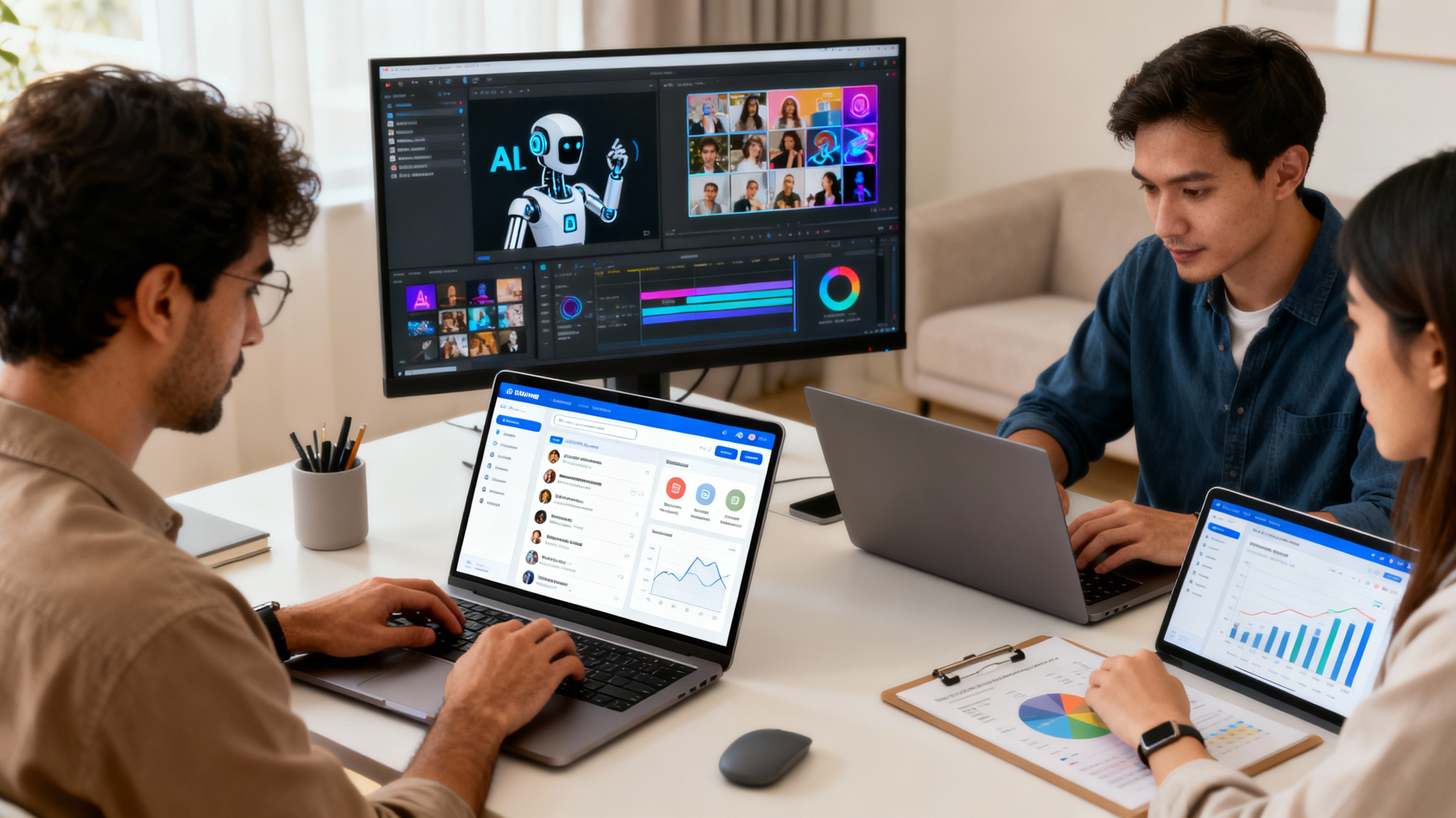
The AI video landscape is evolving rapidly. Here's what's coming:
Real-time AI Generation: Soon you'll generate videos in real-time during presentations or live events.
Perfect Avatar Realism: Act Two by Runway allows you to upload real actors and have AI transfer their performance to different characters, making videos nearly impossible to distinguish from real filming.
Interactive AI Videos: Imagine videos that respond to viewer clicks, creating personalized viewing experiences.
Automatic Platform Optimization: AI tools will automatically create multiple platform versions with different aspect ratios, aspect ratios, and content adaptations.
Final Thoughts: Your AI-Powered Content Future
The barrier to professional video and content creation has collapsed. Teachers who once needed thousands of dollars in equipment now create educational videos free of charge. Entrepreneurs can produce marketing-quality videos without hiring expensive production companies. Content creators can multiply their output 10-50 times without proportional time investment.
The question isn't whether to use AI video generators and AI content tools—it's which ones fit your specific needs. Start with free tools to understand your workflow. Upgrade to paid tools as you create more content and generate revenue. Most importantly, don't let the perfect be the enemy of the good—imperfect AI-generated content outperforms no content at all.
The future of content creation is here. It's powered by AI, accessible to everyone, and ready for you to start creating right now.
BUY FROM AMAZON:
AMAZON.IN -
DIGITEK® (DRL-18H C) 18 Inch LED Ring Light with 158cm Stand - AC/DC Power, Color Temperature Control, Lighting Intensity Control - Photography, Video, Makeup, and Live Streaming - USB Powered
BOYA by-MM1 Universal Cardioid Shotgun Microphone, Mini On-Camera Mic for Youtubers, Vloggers, iPhone, iPad, Mac, Smartphones, Canon Nikon DSLR Cameras & Camcorders
One94Store 5 Meter Smart RGB Neon LED Strip Lights with App & Remote | Music Sync Rope Light for Room, Gaming, Party, Diwali & Home Decoration